Low Code and No Code Development Services.
Build MVPs, internal tools, portals, and workflow automations with low-code and no-code platforms when speed matters more than custom architecture, with an exit path planned from the start.
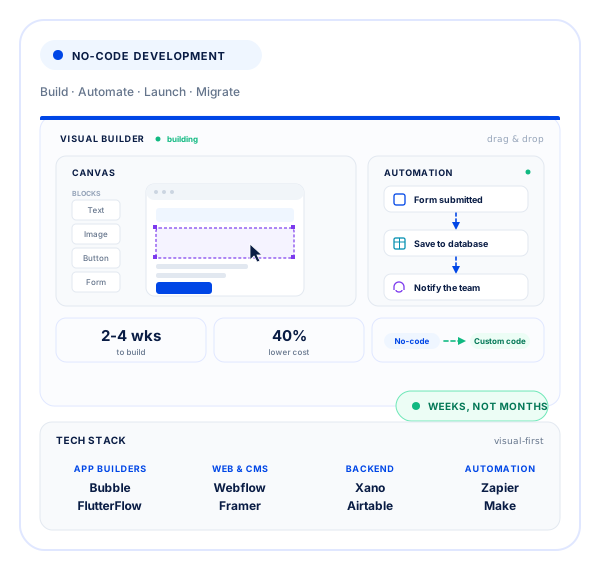
- 2-4 wks
To build
- 40%
Lower cost
- 100+
Builds delivered
- 10+
Years experience
Working Tool for faster first releases
Low-code and no-code platforms are visual development environments that let you build real applications with minimal hand-coding. We use them to get you to market fast and cheap, and we'll tell you honestly when an idea has outgrown no-code and deserves a custom build.
Too much engineering too early
Some workflows need a working tool in weeks, not a full custom software project before anyone can test the process.
Manual work between tools
Teams lose time moving information between forms, spreadsheets, inboxes, and systems that do not share a workflow.
Platform lock-in
A fast platform choice becomes expensive when the data model, ownership, and migration path were never considered.
Low Code and No Code Services from MVP to Automation
Our low code and no code development services include web apps, internal tools, MVPs, workflow automation, marketing sites, integrations, and migration planning when a platform reaches its limits.
No-code web apps
Build web applications with user accounts, workflows, data models, permissions, and integrations on visual development platforms.
No-code MVPs
Launch the smallest usable product quickly and test demand before committing to a larger custom build.
Internal tools
Replace spreadsheet-heavy processes with dashboards, admin tools, portals, and operational workflows built around the team that uses them.
Workflow automation
Move data and actions between business systems using platform integrations, APIs, Zapier, Make, and custom logic where needed.
Webflow sites
Build structured Webflow sites that marketing teams can update without waiting for an engineering release.
Migration path
Plan data ownership, exports, integrations, and replacement boundaries so growth does not turn the first platform into a permanent constraint.
From Workflow to No Code Development.
A platform-first process that starts with the workflow and data model, selects the least restrictive tool, builds the first useful release, and documents how the system can evolve or migrate later.
- 01
Scope
We map the workflow, users, data, permissions, integrations, and the smallest release that solves the immediate problem.
- 02
Platform pick
We compare platform limits, pricing, data ownership, integration options, and maintenance before choosing the build approach.
- 03
Build
We build the application, data model, interfaces, and logic in short review cycles using the selected platform.
- 04
Automate
We connect the systems involved and automate repeatable steps so staff do not need to move the same information by hand.
- 05
Launch
We launch the tool with the required permissions, monitoring, documentation, and a clear process for changes after release.
- 06
Scale or migrate
We extend the platform where it still fits or move selected parts to custom software when limits, cost, or complexity justify the change.
Platforms and Tools for Low-Code Delivery.
We choose visual development, backend, automation, and integration tools according to the workflow, data ownership, platform limits, and the level of control the business needs.
Built for speed without Lock-In.
The fastest build is only useful if the platform still fits six months later. We make the tradeoffs visible before development begins and keep ownership with your team.
Faster first release
Visual platforms reduce the amount of custom engineering needed for common workflows, which shortens the path to a usable first release.
Smaller initial investment
Use a smaller initial build to test demand or operational value before funding a larger software project.
Platform fit first
We recommend custom development instead when the workflow needs performance, control, complex logic, or data requirements the platform handles poorly.
A planned exit path
Data exports, APIs, account ownership, and replacement boundaries are considered early so the business has options later.
Industries we serve
Manual workflows turned into Working Systems.
View all case studiesExplore products and systems where our team simplified workflows, connected business tools, and turned product ideas into software people could use.
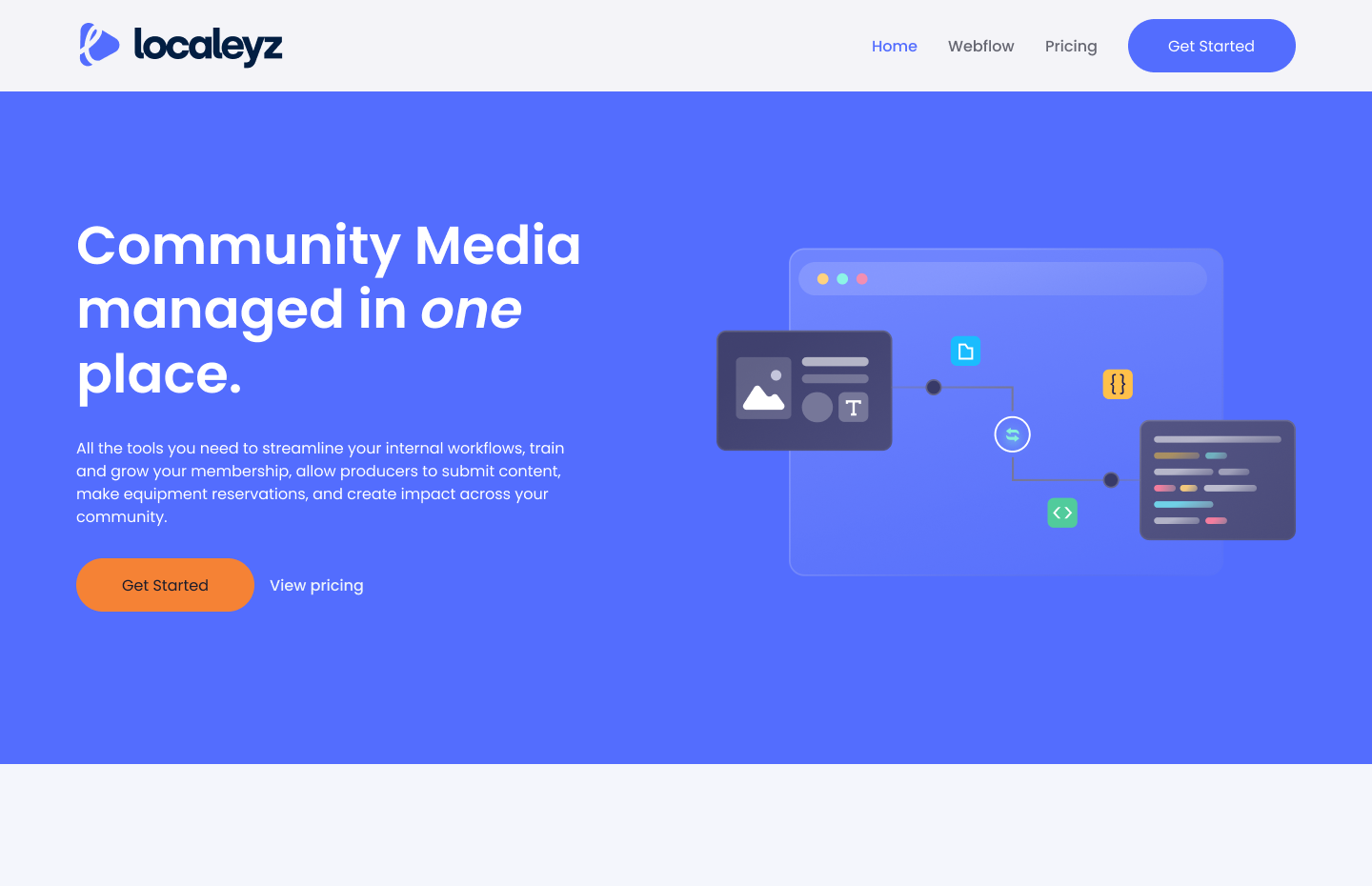
Centralizing Sales Communication with an AI-Powered CRM System
An AI-powered CRM that brings calls, WhatsApp, SMS, and email into one platform, automatically captures leads, triggers follow-ups, and gives sales managers complete visibility into pipeline performance and team activity.
View case study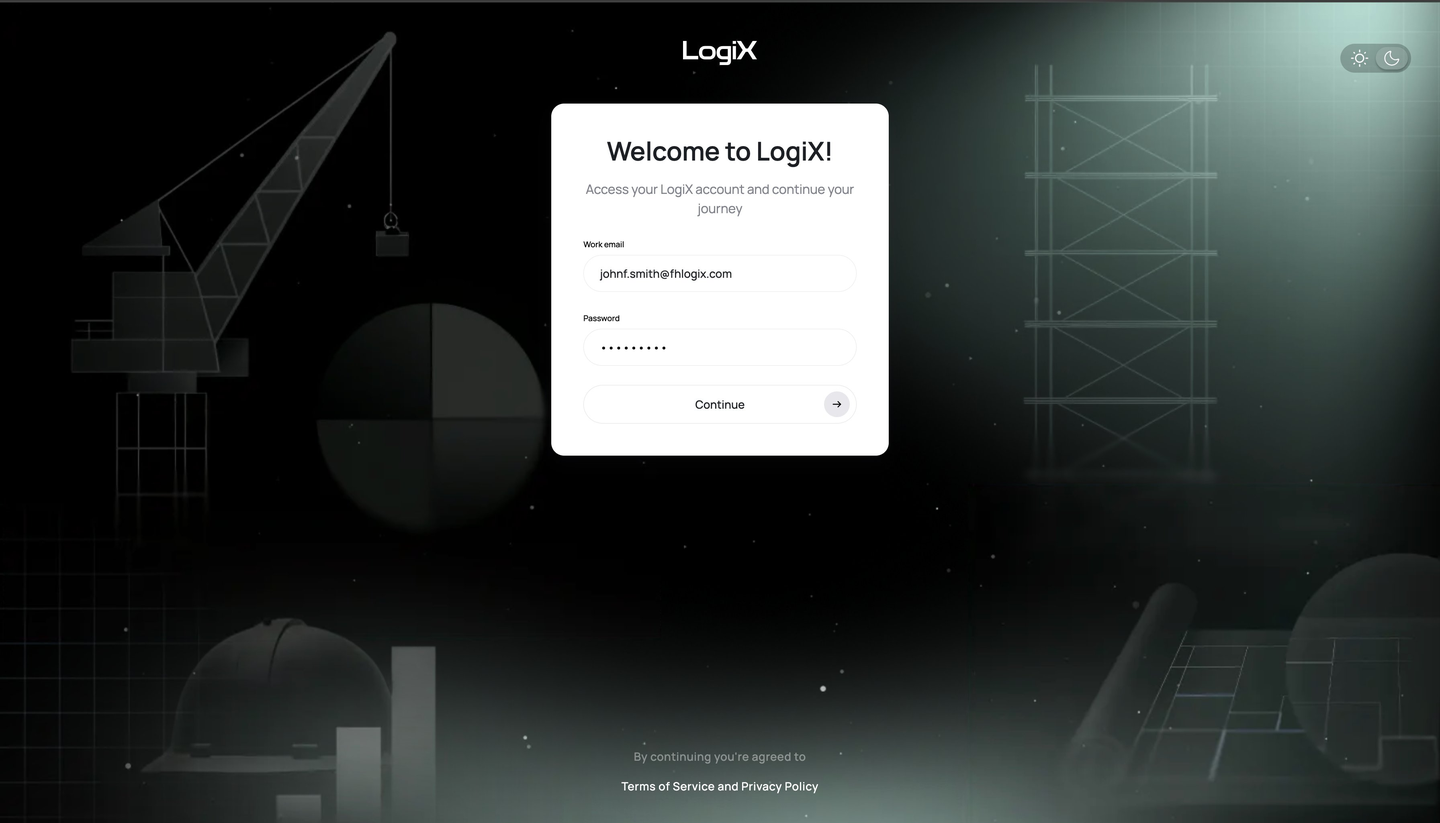
Contract Review Platform
A document management system provides a variety of add-on modules, such as a contract engine and payment engine that detect discrepancies, anomalies, and potential problems within the documents.
View case study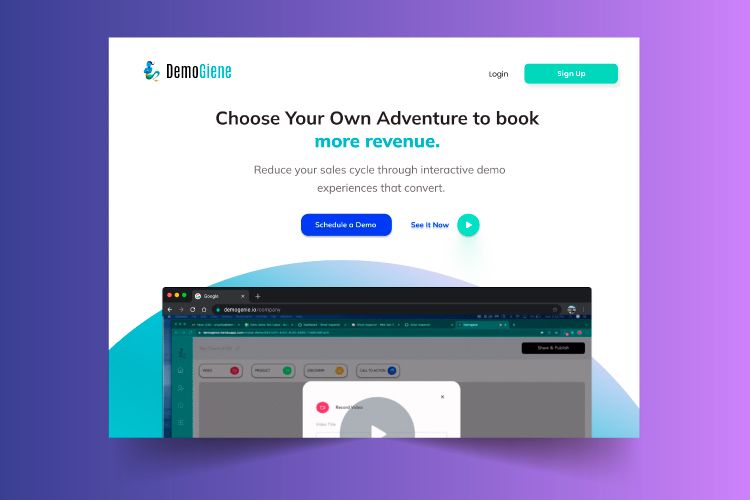
Customer Journey Platform
The platform enables teams to create interactive walkthroughs for product flows, and guided experiences while gaining valuable insights into user interactions, engagement, and behavior throughout every digital experience.
View case study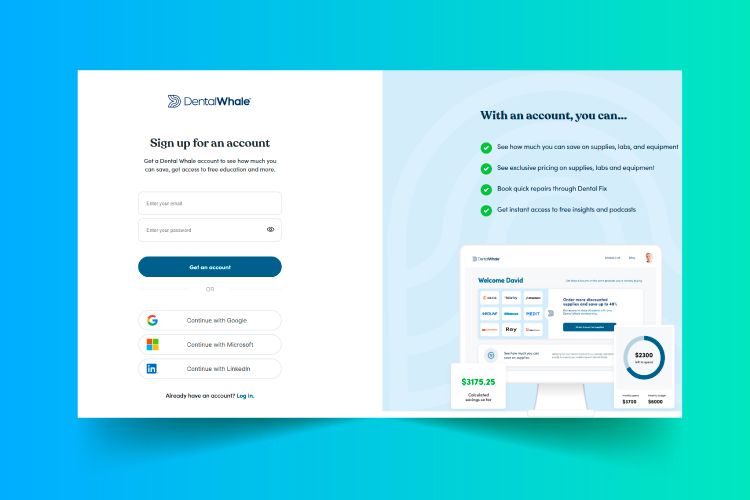
Dental Practice Management
A complete dental business management platform that enables practices to manage procurement, equipment services, laboratory workflows, training, business analytics, and practice operations efficiently from one centralized, integrated system.
View case study
Low Code and No Code Development questions, answered.
What is no code development?
No code development means building working software with visual, configurable tools instead of hand-written code. You model the data, logic, and screens inside a platform, then connect integrations and publish. It fits internal tools, MVPs, and workflow automation where speed matters more than custom architecture.
How does no code development work?
The data model comes first, then screens and logic are assembled visually on a platform such as Bubble, Webflow, or Xano. For marketing sites we work as a Webflow development agency; for web apps, as a Bubble development agency; Xano covers the backend when either needs one. Payments, email, and your existing systems connect through APIs or native connectors. What you end up with is a live application your team can change without waiting for a release cycle.
What are the benefits of no code development?
Speed and a much lower upfront cost. A first version usually ships in weeks, so you can put it in front of real users before committing a full engineering budget. Non-technical staff can also handle day-to-day content and workflow edits after handover.
How much do low code and no code development services cost?
Most fixed-scope builds land between $5,000 and $25,000, plus the platform's own subscription fees. The number depends on how many screens, integrations, and permission rules the app needs. We quote the build as a fixed scope, and anything added later is quoted before it's built.
How long does a no code build take?
Two to six weeks is typical for an internal tool or an MVP, against several months for an equivalent custom build. The first week goes to discovery and data modeling, then build and review run in short cycles. Integrations with older internal systems are the usual reason a timeline stretches.
Can no code apps scale?
Up to a point. Platforms handle thousands of users comfortably, but they get slow or expensive once you need heavy data processing, complex permissions, or millisecond response times. Builds are structured so the data model can be exported and moved to custom code when you outgrow the platform.
What is the difference between low code and no code development?
Low code still has developers writing code in places, so it handles complex logic and enterprise integrations better. That is why low code development services cost more than pure no code, and why most quotes we send are for low code no code development services combined. No code stays inside the visual builder, which keeps it faster to change but more constrained. Most real projects end up a mix, and the split is decided feature by feature during scoping.
No code or custom development, which should we choose?
Choose no code to validate an idea, retire spreadsheets, or automate a process quickly. Choose custom when performance, deep domain logic, offline behavior, or full control of the stack is the point of the product. If custom is the honest answer, we say so before you pay for a build you will throw away.
Who owns the app, the data, and the platform accounts?
You do. Platform accounts are created in your name and billed to you, so nothing depends on our access continuing. Your data stays exportable, and the build documentation is handed over with the app.
Can you take over a no code app someone else built?
Yes. It starts with an audit of the data model, workflows, and integrations to establish what is salvageable and what needs rebuilding. You get a short written plan covering the fixes, the risks, and whether staying on the current platform is still the right call.
What kinds of projects are a bad fit for no code development?
Anything with strict latency targets, heavy computation, offline-first mobile use, or regulated data that cannot leave a specific environment. Very large user counts also make platform pricing worse than running your own hosting. In those cases a custom build is cheaper across a two-year horizon.
Choose the simplest Build that solves the problem.
Start with a no-obligation 40-hour trial and see how we build flexible, scalable applications using modern no-code and low-code platforms. If the work earns your confidence, pay for it and keep going. If it does not, you owe nothing.
Latest Insights.
View all postsPractical guides from our team on low-code platforms, workflow automation, MVPs, software architecture, and deciding when custom code is worth the investment.